


Have you been in a situation where someone asked for your mobile number but you couldn’t provide it? It has happened to me several times.
And I believe others want to know their MTN number as I do, so keep reading to learn exactly how to check your MTN number in 2026.
Why You Should Know Your MTN Number
Imagine you saw your old-time friend at the cafe or at the market and you wanted to exchange numbers but you kept fumbling because you are not sure of your number.
Don’t assume you won’t forget your number, it happened to anybody. Sometimes your brain will be occupied with so much thinking, too much stress, and the last thing on your mind is about your number.
But your MTN Number needs to be connected 24/7 because it is your lifeline for texting, calling and data.
To avoid stuttering or public embarrassment when someone asks for your number, make sure to follow MTN ussd prompts right away to check your mtn number.
It saves time and energy. Let’s cut to the chase and provide you with the detailed solution on how to check your MTN Number in 2026 in simple steps.
Quick Ways to Check Your MTN Number:
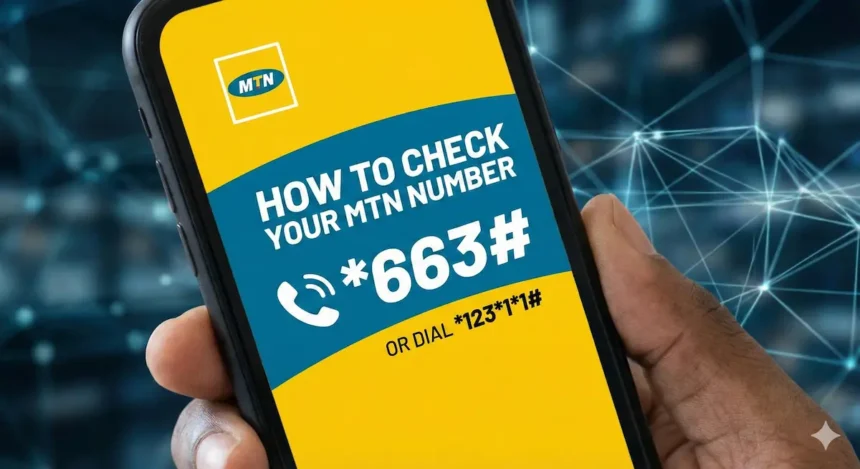
- Direct Code: Dial *663#.
- Alternative Shortcode: Dial *123*1*1# for an immediate display.
- Main Menu: Dial *123#, select Option 1 (Account Info), and then Option 1 (My Number).
- App Method: Log in to the MyMTN app and check your account or profile section
The Best Method to check your MTN number
Here is the best method to check your MTN mobile.
Method 1 using USSD Codes
Dial *663#
Open your mobile phone and dial *663# on your mtn registered number, wait for a second your number will pop up.
It will display on your mobile screen like: Yello! Your MTN Number is +234123456789.
In addition, MTN (312) will send your mobile number on message.
Quickly dial *123# if *663# doesn’t work.
Follow these simple prompts.
- Dial *123#.
- Select Option 1 (Account Info).
- Select Option 1 again (My Number).
Your MTN Number will display immediately, you will receive an instant message.
The fastest ussd code is: *123*1*1# your mtn number will display.
Method 2 using MTN APP.
The first method is the easiest and fastest way to know your mtn number but there are more options for you.
MTN created a MyMTN app specifically for their users and if you have an internet connection plus a smartphone you are good to go.
You can actually use this app to top up airtime, data, block your sim in case of emergency, and more
Here are the step by step tutorials to check your MTN number using the MTN app.
Firstly, go to Google Play Store or Apple Store to download the app.
Login to view your profile. Go to your account or profile, you will see your mobile mtn number.
Cool, right?
MyMTN app is amazing. You don’t need to stress yourself with codes.
Note: if you don’t have an internet connection please use USSD. It is better and faster.
Final thoughts!
Among the Nigeria telecommunication service providers, MTN has more than 70+ million users and also introduced a 5g sim network in 2025.
That’s amazing, right?
Use our simple prompts to check your mtn number without internet connection. If you like our post, kindly tab the social media icons to share with your friends.
Frequently Asked Questions
What is the fastest USSD code to check my MTN number?
The fastest way is to dial *663# on your MTN registered number. Alternatively, you can dial *123*1*1# for an immediate display.
Can I check my MTN number without an internet connection?
Yes. You should use the USSD method (dialing *663# or *123#) if you do not have an internet connection. It is described as the better and faster option compared to the app.
How do I view my number on the MyMTN App?
After you login to the app, go to your account or profile section; your mobile MTN number will be visible there.