

Reference Citation Generator Online Tool
Learn how to cite sources correctly because it is part of academic writing.
Our free reference citation generator makes it easy to create accurate references in APA, MLA, Chicago, and Harvard formats.
Are you currently working on essays, research papers or dissertations, this tool will save time and ensure your work is properly credited.
How to cite a source correctly
To cite your work perfectly, enter the book, article, journal details or website and the citation tool will generate a properly reference for you.
Professionals, students, teachers or scholars can actually rely on tbis citation generator for fast and accurate results.
Start using our free citation generator today and make your academic writing easier, professional, and plagiarism-free.
Free Standard Citation Generator
Reference Citation Generator Steps
- Open the Citation Generator Tool
Go to the ScholarJoiner Reference Citation Generator page or open the tool directly on your browser.
- Enter Article Details
Type in your Article Title, Website Title, and Website URL. Make sure the link begins with https://.
- Add Publication and Access Dates
Select the Date Published and Date Accessed from the dropdown calendar (Month and Year).
- Fill in Author’s Name
Provide the First Name and Last Name of the article’s author. This is required for accurate referencing.
- Choose Your Citation Style
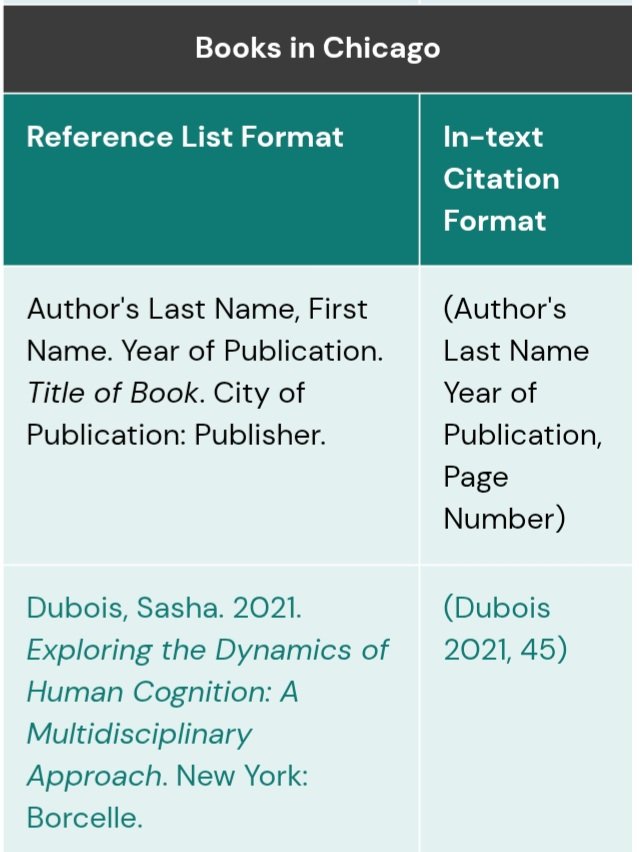
From the dropdown list, choose your preferred style — APA, MLA, Harvard, Chicago, IEEE, or any other format.
- Click “Get Citation”
Click the Get Citation button to generate a formatted citation below the form.
- Copy or Save the Citation
Copy the generated reference and paste it into your bibliography, assignment, or research paper.
- Clear the Form (Optional)
Click Clear if you want to reset all input fields and start a new citation.
You have successfully created your reference citation using the ScholarJoiner Citation Generator. Always cross-check citation formats before submission to match your institution’s style guide.
Frequently Asked Questions (FAQs)
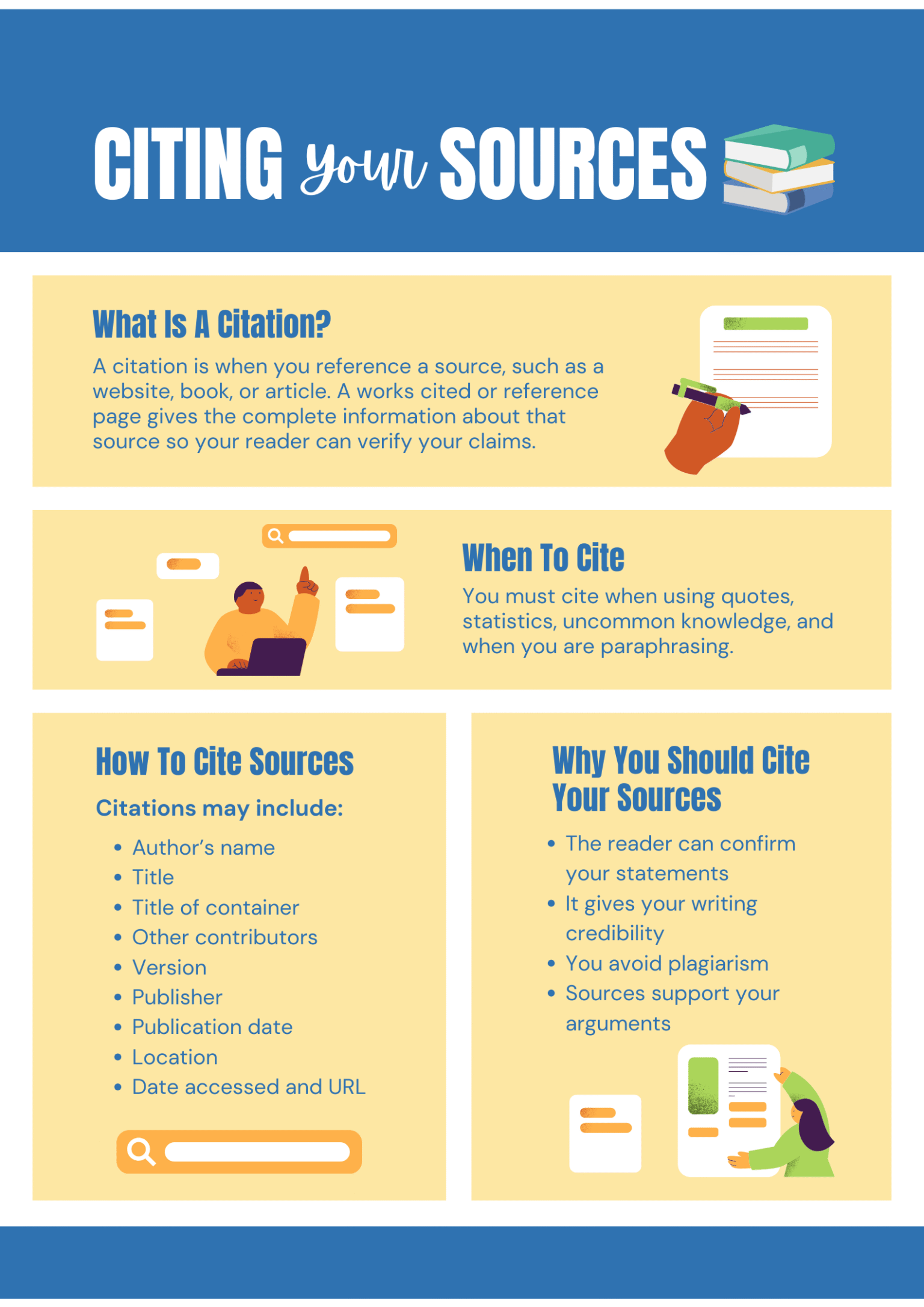
A citation reference is a formal way to acknowledge the source of information used in your research or academic work. It usually includes details like the author’s name, publication date, article title, and website URL.
Citation helps you avoid plagiarism, gives credit to the original author, and improves the credibility of your research work or assignment.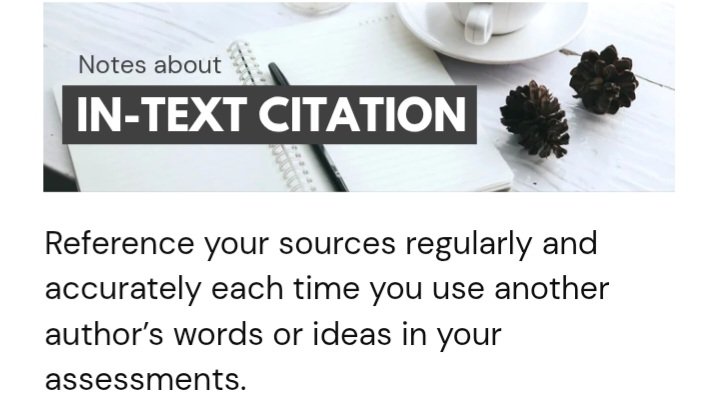
The ScholarJoiner Citation Generator supports major formats including APA, MLA, Harvard, Chicago, IEEE, ASA, AMA, MHRA, Cambridge, Vancouver, CBE, AGPS, and more.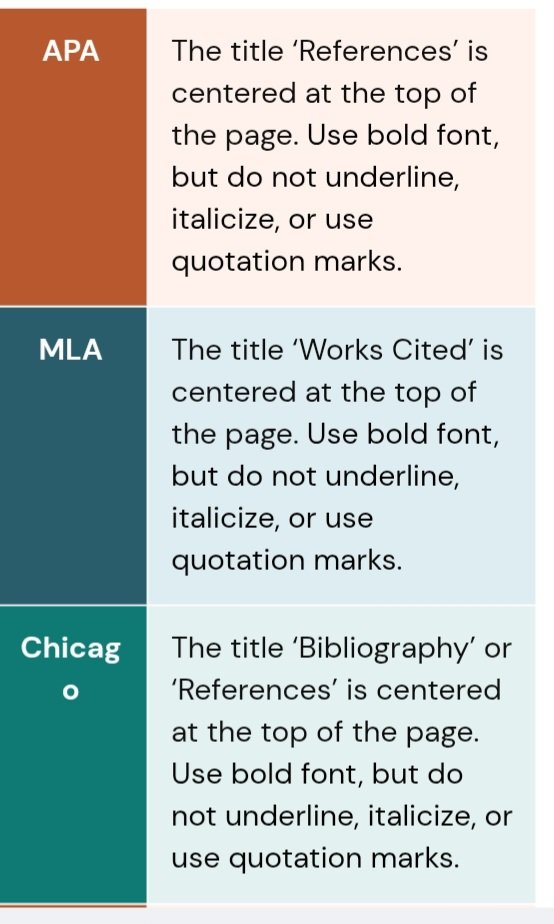
Enter the article title, website name, author’s name, publication and access dates, select your preferred citation style, and click the Get Citation button.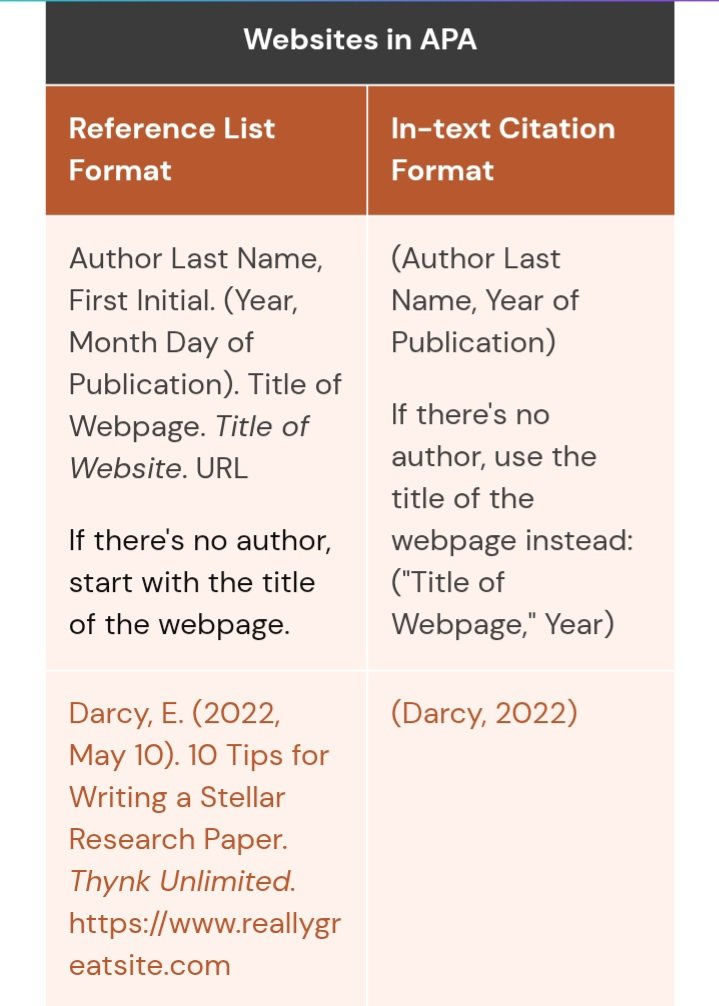
The generated citation follows standard academic formats and can be used for school projects, university assignments, research papers, and online publications.
Yes, the ScholarJoiner Citation Generator is completely free for students, teachers, and researchers across Nigeria and worldwide.
Please share if you find our Citation Reference generator tool interesting. Share your comment and bookmark us for more educational updates.
Scholarjoiner Free Student Tools
- CGPA calculator
- Online Dictionary
- Paraphrasing Tool
- Scholarship Finder
- Plagiarism checker
- Translator